
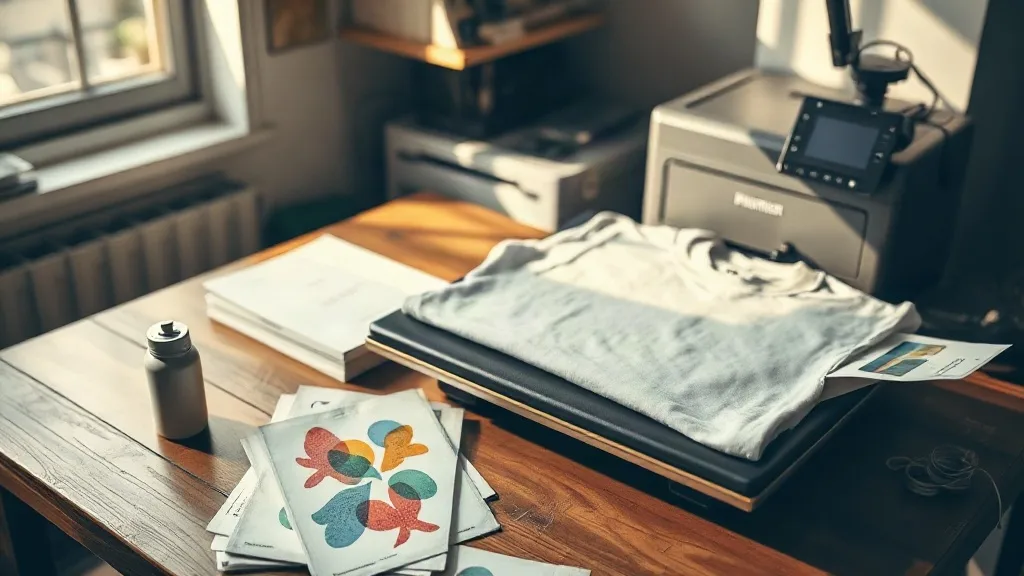
When a customer walks in with a phone photo of a family reunion and asks for twelve shirts by Friday, most print methods force you into an awkward conversation. Screen printing needs setup time and volume. Vinyl cutting struggles with gradients and fine detail. That gap is exactly where dtf transfers have earned their place in small shops over the past few years, and it is worth understanding why before you invest in a setup of your own.
Direct-to-film printing works by printing a mirror-image design onto a special film, applying a hot-melt adhesive powder while the ink is still wet, curing the powder, and then pressing the finished transfer onto fabric with a heat press. The result is a soft, stretchable print that handles full color, photographic detail, and gradients without any of the color-separation headaches that older methods demand. For a shop doing mixed orders, that flexibility changes the economics of the whole week.
Why DTF Fits the Way Small Shops Actually Work
Most small print businesses do not get to choose their orders. One day it is thirty hoodies for a sports club, the next it is a single baby onesie for a grandmother who drove forty minutes to find you. DTF handles both without punishing you for the small job. There is no screen to burn, no minimum quantity, and no wasted vinyl when a design has eleven colors in it.
The material range is the other big draw. Cotton, polyester, blends, canvas, and even some nylon jackets take a DTF print well, which means you stop turning away customers whose garments do not suit vinyl or sublimation. If you have ever had to explain to someone that their favorite polyester blend jacket cannot take a plastisol print, you already know how valuable that flexibility is.
The real cost picture
Newcomers usually underestimate consumables and overestimate equipment. A desktop DTF printer, a shaker or powder unit if you go semi-automatic, a heat press, and a supply of film and powder form the baseline. But the number that decides whether you make money is cost per print, and that depends on film size, ink coverage, and how often you waste transfers on bad color profiles. Track those three things for a month before you quote prices to anyone.
Film, Powder, and Ink: Where Quality Shows Up
The difference between a transfer that survives twenty washes and one that peels at the corner usually traces back to materials rather than technique. Cold-peel film and hot-peel film behave differently on the press, and choosing the wrong one for your workflow causes more frustration than almost anything else.
- Cold-peel film gives crisper edges on detailed designs but demands patience while the transfer cools completely before you peel.
- Hot-peel film speeds up production on simple shapes and large blocks of color, though fine text can stretch if you rush the peel angle.
- Adhesive powder comes in fine and coarse grades; fine powder suits detailed work, coarse powder builds a stronger bond on textured fabrics.
- Ink quality matters more than most beginners expect, since cheap ink clogs printheads and shifts your color profile mid-job.
Store film flat and away from humidity. Powder that has absorbed moisture from the air cures unevenly, and you will see it as patchy adhesion that looks like a pressing problem but is actually a storage problem.
Pressing Settings That Actually Hold Up
Every press runs a little differently, so treat any published temperature chart as a starting point rather than gospel. A reasonable baseline for cotton is around 150 to 160 degrees Celsius for 15 to 20 seconds at medium pressure, with a second short press after peeling to lock the edges. Polyester needs lower heat and shorter dwell time because the fabric can yellow or the dye can migrate into the print.
A few habits separate clean results from reprints:
- Pre-press the garment for a few seconds to remove moisture and wrinkles.
- Use a Teflon sheet or protective paper over the transfer to protect your press platen.
- Peel at a consistent angle and speed rather than yanking.
- Do a wash test on every new fabric and film combination before you commit to a large order.
Dye migration is the sneaky one. On dark polyester, the garment dye can bleed into the adhesive layer and tint the print over time. A low-bleed film or a slightly cooler press usually solves it, but you have to catch it before the customer does.
Buying Transfers Instead of Printing Them
Not every shop needs a printer. If your volume is modest or you would rather not manage ink, powder, and maintenance, ordering finished transfers from a supplier is a sensible middle path. You send artwork, receive pressed-and-powdered sheets, and apply them with the heat press you already own. The margin is thinner per unit, but your capital stays free and your learning curve flattens considerably.
This is also where searches for dtf transfers near me come from: shops that want fast turnaround, local pickup, or a supplier they can call when a rush order lands. Before committing to anyone, ask about film brand, powder grade, turnaround time, and whether they will send a sample print. A supplier who cannot answer those questions clearly is telling you something.
Pricing Without Guessing
Price per print should reflect film area, not garment price. A small left-chest logo and a full back print use wildly different amounts of film, and charging the same for both leaves money on the table. A simple formula works for most shops: material cost multiplied by three for small runs, dropping toward double for volume above fifty pieces, then adjusted for design complexity and rush timing.
Keep a written record of what you charged for each job and what it actually cost. After a few months you will see patterns, such as which designs eat film and which customers always need it tomorrow. That record is worth more than any pricing calculator you will find online.
Common mistakes worth avoiding
Printing too large for the garment, skipping the pre-press, and reusing peeled film are the three errors that show up most often in new DTF setups. Each one costs more in reprints than the shortcut saves. Slow down on the first dozen jobs and the habits will carry you through the busy season.
Frequently Asked Questions
How long do DTF prints last after washing?
With correct pressing and a quality film and powder combination, most prints hold up through fifty or more home washes when garments are turned inside out and washed cold. Peeling usually points to under-curing, insufficient pressure, or powder that absorbed moisture before use.
Can I apply DTF transfers to polyester without the print looking dull?
Yes, but you need to manage heat carefully. Lower the press temperature slightly, shorten the dwell time, and use low-bleed film on dark polyester. Always run a wash test on a scrap piece of the same fabric before pressing a full order.
Do I need a special heat press for DTF?
A standard swing-away or clamshell press with adjustable temperature and pressure works fine. What matters is even pressure across the platen and a stable temperature reading. If your press has hot or cold spots, you will see them as patchy adhesion on larger prints.
Is ordering transfers cheaper than buying a DTF printer?
For low volume, almost always. A printer makes sense once you are producing consistently enough to keep it running and can absorb maintenance time. Below that threshold, buying finished transfers keeps your cash free and avoids the learning curve of color profiles and printhead care.
What file format should I send for a custom transfer?
Send a high-resolution PNG with a transparent background at 300 DPI, sized to the final print dimensions. Vector files work too if the supplier accepts them, but transparent PNGs are the most widely compatible option and avoid surprises with color separation.